Microsoft Business Central Partner & Implementation: Transforming Business Operations with Smarter ERP

businesses need more than simple accounting and separate software tools to manage their growing operations. As companies expand, managing finance, sales, purchasing, inventory, supply chain, projects and customer information across systems can become complex and time‑consuming.

Microsoft Dynamics 365 Business Central offers an integrated ERP solution that helps businesses bring these processes together on a single platform.

However implementing an ERP system successfully needs planning, technical expertise process understanding and ongoing support. That is why choosing the Microsoft Business Central Partner is an important step for organizations looking to implement or upgrade their ERP system.

A professional partner can help businesses understand their requirements, configure Microsoft Business Central migrate existing data integrate applications, train employees and provide continuous support after implementation.
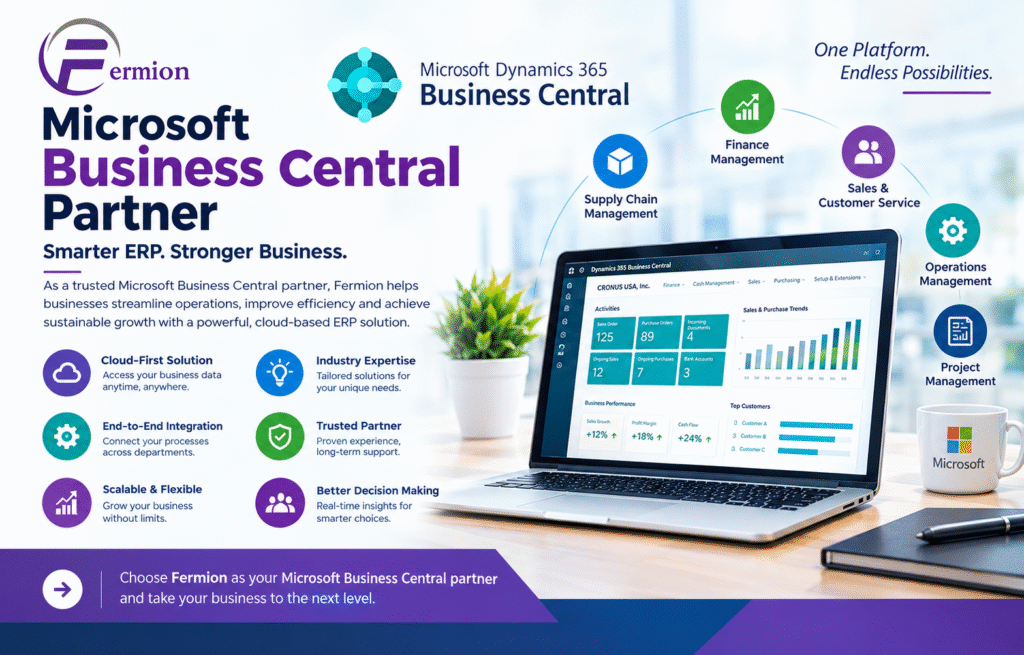
What Is Microsoft Dynamics 365 Business Central?

Microsoft Dynamics 365 Business Central is a cloud‑based ERP solution designed to help small and medium‑sized businesses manage their financial and operational activities more efficiently.

Of using separate applications for accounting, inventory, sales, purchasing and reporting organizations can manage these functions through one connected platform.

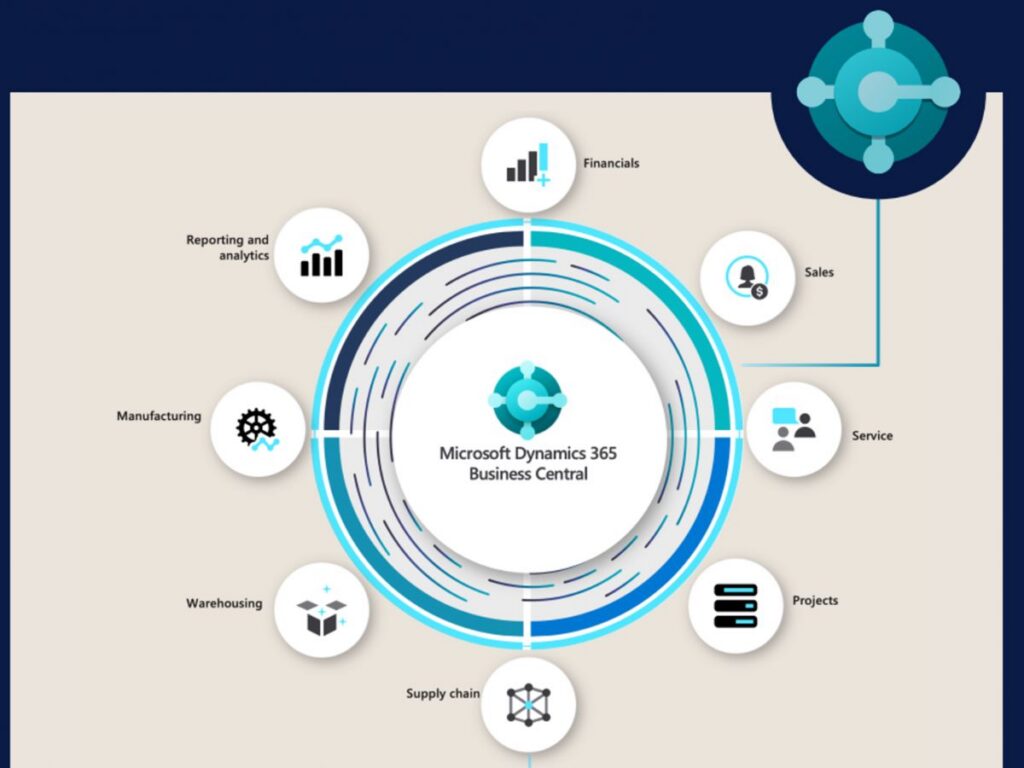
Business Central can help businesses manage areas such as:

• Financial management

• Sales and customer management

• Purchasing and vendor management

• Inventory management

• Warehouse operations

• Supply chain management

• Project management

• Budgeting and forecasting

• Business reporting and analytics

By connecting these functions businesses can improve visibility across departments. Make faster data‑based decisions.

Why Work With a Microsoft Business Central Partner?

An ERP implementation is not about installing software. It involves understanding how a business works and then designing the ERP system around those processes.

A reliable Microsoft Business Central Partner brings business expertise to the project. The partner works closely with the organization to understand its goals identify inefficiencies and develop an implementation strategy.

An experienced partner can assist with:

Business Process Consulting

Before implementing Microsoft Business Central it is important to understand existing workflows. A partner can analyze processes and identify areas where automation or improvement can deliver better results.

ERP Configuration

Microsoft Business Central offers standard functionality. A partner can configure the platform according to the organizations operational and reporting requirements.

Data Migration

Moving data from legacy systems is one of the critical parts of an ERP project. Partners can help clean organize, map, validate and migrate business information into Microsoft Business Central.

Extensions

Every business has requirements. Where standard functionality is not sufficient Microsoft Business Central can be extended through customizations and extensions.

System Integration

Businesses often use applications alongside their ERP. A Microsoft Business Central Partner can help integrate the ERP platform with CRM systems e‑commerce platforms, payment solutions, payroll applications and other business software.

Training and Support

Employee adoption is essential for ERP success. Partners can provide role‑based training and post‑implementation support so users can confidently work with Microsoft Business Central.

Microsoft Business Central Implementation: What Does It Involve?

A successful Microsoft Business Central Implementation follows a process. Every business has requirements but a typical implementation includes the following stages.

1. Requirement Gathering

The implementation begins with discussions between the business and implementation team. The objective is to understand systems, business challenges, workflows, reporting requirements and future goals.

This stage creates an understanding of what Microsoft Business Central needs to accomplish.

2. Solution Design

Once the requirements are documented the implementation team creates a solution design. This determines how Microsoft Business Central will be configured and how different departments will use the system.

The design may include finance, sales, purchasing, inventory, warehouse management, projects and other business functions.

3. Configuration

Microsoft Business Central is configured based on the approved solution design. This may include company setup, financial dimensions, chart of accounts tax settings, approval workflows, inventory parameters, user roles and other business settings.

A good implementation focuses on using Microsoft Business Central functionality wherever possible.

4. Data Migration

Businesses typically have information stored in their existing ERP, accounting software, spreadsheets or databases.

During implementation relevant data is. Prepared for migration. This may include:

• Customer and vendor records

• Product and item information

• Chart of accounts

• Opening balances

• Inventory records

• Sales and purchase information

• Outstanding transactions

Proper data validation helps ensure that the new ERP system starts with information.

5. Integration and Custom Development

If the organization uses business applications integrations can connect those systems with Business Central.

For example an organization may need Business Central to communicate with an e-commerce platform, a CRM system, a payment gateway, a warehouse solution or other specialized software.

Where required custom extensions can also be developed to support business processes.

6. Testing

Testing ensures that the system works as expected before employees begin using it in operations.

Implementation teams may test transactions, sales orders, purchase orders, inventory movements, approvals, reports, integrations and other important workflows.

User acceptance testing is particularly valuable because actual users can verify whether the system supports their day‑to‑day responsibilities.

7. Training and Go‑Live

Once testing is completed employees receive training based on their roles. Finance users, sales teams, purchasing staff warehouse employees and managers may require training.

After training and final validation the organization moves to the stage.

A reliable implementation partner continues to provide support during this transition to resolve issues quickly and ensure business continuity.

Key Benefits of Microsoft Business Central Implementation

A planned Business Central implementation can deliver significant benefits to an organization.

One Connected Business Platform

Business Central brings business functions together reducing the need to switch between disconnected applications.

Improved Financial Control

Finance teams can gain visibility into accounts, cash flow, receivables, payables, budgets and financial performance.

Better Inventory Visibility

Organizations can track inventory effectively and gain better visibility into stock movements, purchasing and sales.

Increased Productivity

Automation can reduce manual tasks and allow employees to focus on more valuable business activities.

Better Business Decisions

With accessible business information management can analyze performance and make informed decisions.

Scalable ERP Solution

As the organization grows its ERP requirements may also increase. Business Central provides a foundation that can evolve with changing business needs.

How to Choose the Right Microsoft Business Central Partner?

Selecting the implementation partner can have a major impact on the success of an ERP project.

Businesses should consider a partners:

• Business Central implementation experience

• Microsoft expertise

• Industry knowledge

• Consulting capabilities

• Data migration experience

• Integration and customization skills

• Training approach

• Post‑go‑live support

• Project management methodology

• Understanding of business requirements

It is also important to discuss the project scope, implementation approach, estimated timeline, support model and responsibilities before starting the project.

Why a Proper Implementation Strategy Matters

Even a powerful ERP platform can fail to deliver expected results if it is poorly implemented. Businesses should avoid customization and focus on creating processes that are efficient, scalable and easy for employees to follow.

A strong implementation strategy should combine technology with business objectives.

The goal should not simply be to move existing processes into a system.

Instead organizations should use the implementation as an opportunity to improve workflows, repetitive tasks eliminate unnecessary manual work and create better visibility across departments.

Frequently Asked Questions

What is a Microsoft Business Central Partner?

A Microsoft Business Central Partner is an organization that helps businesses plan, implement, customize, integrate and support Microsoft Dynamics 365 Business Central.

Why is a partner important for Business implementation?

A partner provides business expertise throughout the ERP journey. They can help with requirements, configuration, data migration, integrations, testing, training, deployment and ongoing support.

How long does Microsoft Business Central Implementation take?

The implementation timeline depends on the organizations size, number of users, modules, data migration requirements, integrations, customizations and overall project complexity. A detailed assessment is required to determine the timeline.

Can Business Central integrate with existing business applications?

Yes. Business Central can be integrated with business applications and platforms. The exact integration approach depends on the systems involved and the organization’s requirements.

Can Business Central be customized?

Yes. Business Central provides configuration options well as extensions and development capabilities, for businesses that require additional functionality.

Can existing ERP data be migrated to Business Central?

Yes. Relevant data from existing ERP systems, accounting software, spreadsheets and databases can be migrated after data cleansing, mapping, validation and testing.

Is Business Central for growing businesses?

Yes. Business Central is designed to support medium-sized organizations and can offer a scalable platform as business operations expand.

What support is available after implementation?

Post-live support may include troubleshooting, user assistance, system optimization, additional training, enhancements, integrations and ongoing maintenance.

Conclusion

An experienced Microsoft Business Central Partner can help organizations plan and execute the implementation journey from initial requirement analysis and solution design to configuration, data migration, integration, testing, training and post-go-live support. With a planned Microsoft Business Central Implementation businesses can reduce manual processes improve operational visibility increase productivity and build a stronger foundation, for future growth. For organizations looking to streamline their operations and adopt an ERP environment Business Central combined with the right implementation partner can become a valuable long-term business solution.
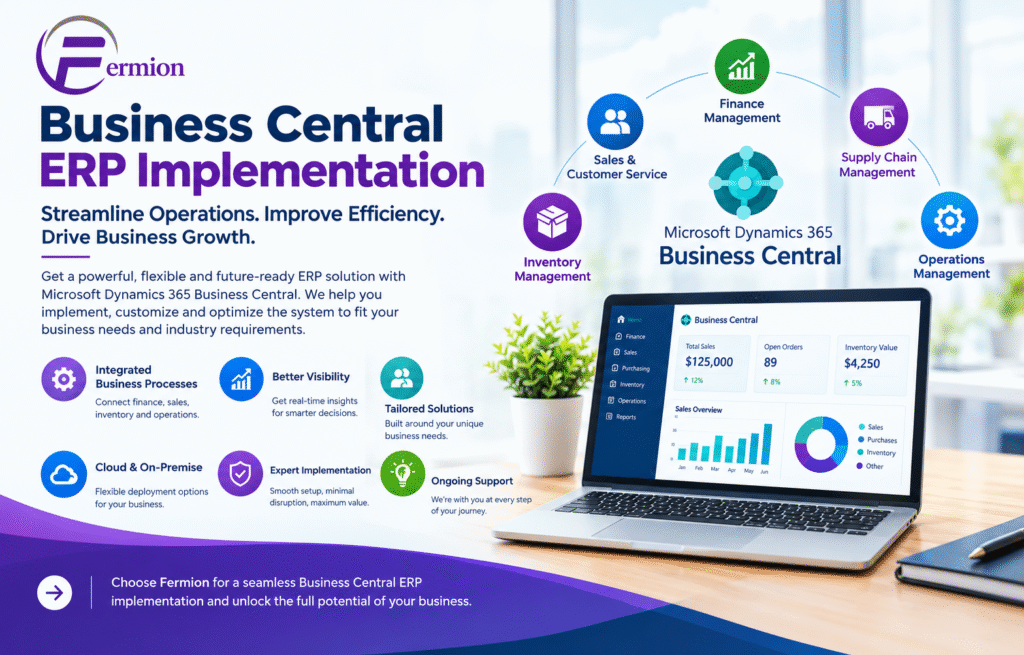
Business Central ERP Implementation: Choosing a Microsoft Dynamics 365 Partner in India

In today’s business world companies need more than just basic accounting software to handle their work properly. Companies need an ERP solution that can link finance, sales, buying, stock, supply chain, projects and customer relationships in one single system. Microsoft Dynamics 365 Business Central is a cloud-based ERP system made to help small and medium-sized companies make their work better and make smarter business choices.

Making an ERP system work well needs good planning setting up the system moving data training people and help after it is done. This is why choosing the Business Central ERP Implementation partner is very important. A strong Microsoft Dynamics 365 Partner India can help companies put in Business Central according to their needs and make the move from old systems easier.

What Is Business Central ERP Implementation?

Business Central ERP Implementation is the process of putting Microsoft Dynamics 365 Business Central into a company and changing it to fit the company’s way of working.

Implementation usually has main steps, including:

• Analyzing business processes

• Checking what the ERP system needs

• Configuring the system

• Moving data

• Connecting with programs

• Changing the system and adding new parts

• Testing with users

• Training employees

• Planning for going live

• Support after the system is in use

A good partner helps companies avoid common ERP problems and makes sure the new system meets the companys goals.

Why Choose Microsoft Dynamics 365 Business Central?

Microsoft Dynamics 365 Business Central gives a system for managing different parts of a business. Of using separate tools for money, stock, selling, buying and working companies can handle all these parts in one ERP system.

Main advantages are:

1. Financial Management

Business Central gives tools for managing ledgers paying bills getting money, budgeting, cash flow, fixed assets and financial reports. Companies can see their money situation better. Make better choices.

2. Inventory Management

Companies can check stock levels track items and improve buying choices. Clear stock view can help lower extra stock and improve order delivery.

3. Sales and Customer Management

Business Central lets companies handle quotes orders, bills, customer details and other steps from one place. This makes it easier to see what is happening in the sales process.

4. Supply Chain Management

Businesses can handle buying, suppliers, stock, storage and supply chain steps better. This helps a lot for companies dealing with buying and distribution.

5. Business Intelligence and Reporting

Business Central works with Microsoft tools to give reports and analysis. Management can get business data. Use it to find trends, track performance and support plans.

Finding the Right Microsoft Dynamics 365 Partner India

Picking the right Microsoft Dynamics 365 Partner India is an important choice during an ERP project. The partner should know both Microsoft Dynamics 365 Business Central and the companys needs.

A good partner should have experience in:

• Implementing Business

• ERP advice

• Moving data

• Connecting systems

• Changing the system and adding parts

• Training staff

• Technical help

• Improving business processes

The partner should also take time to learn the companys current steps instead of just putting in a standard ERP setup.

Business Central India: Helping Growing Businesses

Business Central India is more and more important for companies that want a system that can grow with them and help with work. Companies in manufacturing, selling, shops, professional services, trading and other areas can use Business Central to bring everything

For companies ERP implementation may also have needs related to local money steps, taxes, reports, rules and work steps. Working with a partner who knows this can help set up the system

Business Central ERP Implementation Process

A good implementation follows a way.

Step 1: Checking Needs

The team looks at the companys steps, problems, departments and goals. This helps see which Business Central parts are needed.

Step 2: Planning the Solution

The partner makes a plan that includes setting up the system, connections, reports, steps, security and any needed changes.

Step 3: Setting Up and Changing

Business Central is set up to fit the companys needs. If the basic parts are not enough changes or approved additions may be used.

Step 4: Moving Data

data like customers, suppliers, items, starting numbers and old details may need to be moved from old systems to Business Central.

Step 5: Testing

The system is tested with business situations. Testing helps find setup problems before people start using the version.

Step 6: Teaching People

Employees get training based on their jobs. Finance teams, sales teams, buying departments, warehouse workers and managers may have needs.

Step 7: Going Live

After testing and training the company moves to the ERP system. Good planning helps keep work from stopping.

Step 8: Help After Going

After the system is in use companies may need more help fixing problems making changes and helping users. Ongoing help helps companies get more from their ERP investment.

7. Can Business Central integrate with applications?

Yes. Business Central can connect with Microsoft tools and many other systems using connectors, APIs, extensions and other methods. Whether Business Central works well depends on the app and technical needs.

8. What are the main costs involved in Business Central Implementation?

 Costs can cover software licenses, consulting, setting up moving data linking systems, customizing, training and ongoing help. The total price depends on how complex the project’s what services are needed.

 9. Is employee training necessary after implementation?

 Yes. Training for staff helps them learn the system follow the steps, cut mistakes and use the new Business Central more smoothly.

10. Can Business Central grow with my business?

Business Central has features that can keep up with changing needs. Companies can look at adding functions linking more systems and using extensions as their work grows. Microsoft Dynamics 365 Business Central gives companies a way to handle finance, sales, buying, stock and everyday work..

Conclusion

To get the best results, careful planning, correct data transfer, proper set‑up and good training are needed. A solid Business Central ERP implementation can boost work speed give financial view and help companies make wiser choices. Partnering with a Business Central consultant and a capable implementation partner can make the rollout easier and cut needless risks. Companies that want to upgrade their work should start by spotting their problems setting clear goals and seeing how Business Central can meet those needs. With a plan and steady help the platform can become a strong base, for lasting growth.

Microsoft Dynamics 365 Business Central & Finance and Operations (F&O) Training:

Master Microsoft ERP with Functional and Technical Training at Fermion Business Solution

Introduction to Microsoft Dynamics 365 ERP Training

Enterprise Resource Planning (ERP) systems play a vital role in helping organizations manage finance, accounting, sales, purchasing, inventory, manufacturing, supply chain, and business operations through integrated applications.

Microsoft Dynamics 365 provides modern ERP solutions that help businesses automate processes, improve operational efficiency, manage data, and make informed business decisions.

At Fermion Business Solution, we offer learning pathways in Microsoft Dynamics 365 Business Central and Microsoft Dynamics 365 Finance & Operations (F&O), covering both functional consulting and technical development.

Our training approach focuses on building practical knowledge of ERP applications, understanding real-world business processes, and developing the skills required for ERP implementation, customization, integration, and support.

Whether you are a student, recent graduate, finance professional, software developer, or working professional looking to advance your career in Microsoft ERP, our training pathways can help you build a foundation in enterprise business applications.

Microsoft Dynamics 365 Business Central Training

Microsoft Dynamics 365 Business Central is an integrated ERP solution generally suited to small and medium-sized businesses. It supports financial management, sales, purchasing, inventory, manufacturing, project management, and other business processes within a connected platform.

Business Central Functional Training

The functional training program focuses on understanding business requirements and configuring Business Central to support organizational processes.

Key modules include:

  • ERP Fundamentals: Introduction to ERP, application navigation, role centres, companies, environments, and master data.
  • Financial Management: Chart of accounts, general ledger, journals, posting groups, dimensions, bank reconciliation, fixed assets, and financial reporting.
  • Sales Management: Customer master data, sales quotes, orders, invoices, credit memos, payments, and receivables.
  • Purchase Management: Vendor management, purchase orders, receipts, invoices, purchase returns, and payables.
  • Inventory Management: Item master, inventory costing, locations, stock transfers, item journals, replenishment, and inventory valuation.
  • Warehouse Management: Warehouse setup, bins, warehouse movements, and inventory control processes.
  • Manufacturing: Bills of materials (BOMs), routings, work centres, production orders, consumption, output, and production costing.
  • Project Management: Jobs, tasks, resource planning, budgets, usage tracking, and project invoicing.
  • Reporting and Analytics: Financial reports, account schedules, Excel integration, and Power BI reporting concepts.
  • Implementation and Support: Requirement gathering, fit-gap analysis, configuration, data migration, user acceptance testing (UAT), documentation, and go-live support.

Business Central Technical Training

The technical track is designed for learners interested in developing, customizing, extending, and integrating Business Central.

Key modules include:

  • AL programming fundamentals, variables, data types, procedures, and error handling.
  • Visual Studio Code and the AL Language extension.
  • Table objects, table extensions, pages, and page extensions.
  • Codeunits, reports, queries, XMLports, enums, and interfaces.
  • Event subscribers, event-driven development, and application extensibility.
  • Report development, RDLC layouts, Word layouts, and report datasets.
  • APIs, OData, web services, and REST API integration.
  • JSON handling and external system integration.
  • Data migration and configuration packages.
  • Power BI and Power Automate integration concepts.
  • Debugging, testing, permissions, performance optimization, and deployment.
  • Extension lifecycle management and upgrade-friendly development practices.

Business Central Practical Projects

Learners can practise financial management configuration, sales and purchase cycles, inventory management, manufacturing processes, custom AL extensions, reports, and API-based integrations.

These exercises help learners understand how ERP requirements are translated into functional configurations and technical solutions.

Microsoft Dynamics 365 Finance & Operations (F&O) Training

Microsoft Dynamics 365 Finance and Supply Chain Management provides enterprise-level financial and operational capabilities for organizations with complex business processes, multiple legal entities, and extensive supply chain requirements.

The training introduces learners to financial management, procurement, inventory, production, warehouse management, application configuration, technical development, and enterprise ERP implementation.

F&O Functional Training

The functional training pathway focuses on business process analysis, application configuration, transaction management, and ERP implementation.

Key modules include:

  • ERP Fundamentals: Application navigation, workspaces, legal entities, organizational structures, and master data.
  • General Ledger: Chart of accounts, main accounts, financial dimensions, fiscal calendars, journals, ledger setup, and financial reporting.
  • Accounts Payable: Vendor records, invoice processing, payment journals, settlements, and vendor transactions.
  • Accounts Receivable: Customer management, customer invoices, payment processing, collections, and receivables analysis.
  • Cash and Bank Management: Bank accounts, payments, reconciliation, and cash flow fundamentals.
  • Procurement and Sourcing: Purchase requisitions, purchase orders, vendor management, purchase agreements, approvals, and invoice processing.
  • Inventory Management: Released products, inventory dimensions, warehouses, transfers, inventory journals, costing, and stock control.
  • Warehouse Management: Warehouse operations, location directives, work processing, mobile warehouse activities, and cycle counting.
  • Production Control: BOMs, routes, production orders, material consumption, production reporting, and manufacturing cost analysis.
  • Master Planning: Demand and supply planning, coverage groups, planned orders, material availability, and replenishment concepts.
  • Cost Management and Reporting: Inventory valuation, production costing, budgeting fundamentals, financial reporting, Excel integration, and Power BI concepts.
  • Implementation Methodology: Requirement gathering, fit-gap analysis, functional design documents, data migration, system integration testing (SIT), UAT, cutover, go-live, and post-implementation support.

F&O Technical Training

The technical training pathway introduces learners to application development, customization, data management, integrations, and deployment in Dynamics 365 Finance and Operations.

Key modules include:

  • Dynamics 365 Finance and Operations technical architecture.
  • Visual Studio, development environments, models, packages, and projects.
  • X++ programming fundamentals and object-oriented programming.
  • Tables, extended data types, enums, classes, forms, and queries.
  • Data entities and Data Management Framework (DMF).
  • Application extensions and extension-based development.
  • Event handlers, delegates, and Chain of Command (CoC).
  • Menu items, metadata, labels, and security configurations.
  • SSRS reporting, report datasets, and report designs.
  • OData, REST APIs, JSON, business events, and system integrations.
  • Data import, export, migration, validation, and reconciliation.
  • Power BI and Power Platform integration concepts.
  • Debugging, performance analysis, and troubleshooting.
  • Unit testing concepts and the SysTest framework.
  • Source control, build processes, deployable packages, and application lifecycle management (ALM).

F&O Practical Projects

Practical exercises can cover financial configuration, procure-to-pay, order-to-cash, inventory and warehouse operations, manufacturing, X++ development, data entities, integrations, and end-to-end ERP implementation scenarios.

These projects help learners understand how enterprise ERP applications connect business departments, financial transactions, supply chain activities, and technical solutions.

Business Central vs. Finance & Operations: Which Should You Learn?

Microsoft Dynamics 365 Business Central and Finance & Operations serve different business requirements. Selecting a learning pathway depends on your educational background, interests, and career goals.

Choose Business Central if you want to:

  • Learn ERP processes for small and medium-sized businesses.
  • Focus on finance, sales, purchasing, inventory, and manufacturing.
  • Build skills in AL development and Business Central extensions.
  • Explore ERP implementation, customization, migration, and support.

Choose Finance & Operations if you want to:

  • Understand enterprise-level finance and supply chain operations.
  • Specialize in procurement, manufacturing, inventory, or financial management.
  • Learn X++ development and enterprise application extensibility.
  • Explore complex ERP implementations, data management, and integrations.

Learners interested in both platforms can build knowledge progressively, starting with one platform before exploring the other.

Who Can Join Microsoft ERP Training?

Our Business Central and F&O training pathways are suitable for:

  • B.Com, M.Com, BBA, MBA, and other graduates.
  • Students interested in Microsoft ERP and enterprise applications.
  • Finance and accounting professionals.
  • Software developers and IT professionals.
  • Supply chain, procurement, and manufacturing professionals.
  • Business analysts and aspiring ERP consultants.
  • Professionals seeking to transition into ERP implementation and support roles.
  • Existing ERP professionals looking to expand their technical or functional skills.

Technical learners benefit from a foundation in programming, while functional learners benefit from an understanding of business processes and accounting or operational concepts.

Career Opportunities After Microsoft ERP Training

Depending on the selected pathway, practical skills, experience, and employer requirements, learners can prepare for roles such as:

Business Central career pathways

  • Microsoft Dynamics 365 Business Central Functional Consultant
  • Business Central Technical Consultant
  • AL Developer
  • ERP Implementation Consultant
  • ERP Support Consultant

Finance & Operations career pathways

  • Dynamics 365 Finance Functional Consultant
  • Dynamics 365 Supply Chain Management Functional Consultant
  • Dynamics 365 F&O Technical Consultant
  • X++ Developer
  • ERP Business Analyst
  • ERP Integration or Data Migration Consultant

Additional career opportunities may be available in ERP application support, business process analysis, testing, reporting, and implementation project teams.

Why Choose Fermion Business Solution?

Fermion Business Solution works within the Microsoft business applications ecosystem, providing services in ERP consulting, implementation, customization, migration, and support.

Our training approach aims to connect theoretical knowledge with practical ERP scenarios. Learners can explore functional and technical concepts, work through business process exercises, understand implementation documentation, and develop familiarity with project-based problem-solving.

The training structure can be tailored to the selected platform, specialization, and learner requirements.

Course duration, delivery mode, batch availability, project scope, and assessment arrangements can be discussed with our team.

Frequently Asked Questions

1. Can beginners join Business Central or F&O training?

Yes. Beginners can start with ERP fundamentals and application navigation before progressing to functional configuration or technical development.

2. What is the difference between functional and technical ERP training?

Functional training focuses on business processes, configuration, requirements, and testing. Technical training focuses on programming, extensions, reports, integrations, and application development.

3. Do I need coding knowledge for functional training?

Programming knowledge is not generally required for the functional learning pathway. Technical development requires an appropriate programming foundation.

4. Can I learn both Business Central and F&O?

Yes. You can study both platforms, although learning one platform thoroughly before moving to the other can help build a stronger foundation.

5. Does completing the training guarantee a job or Microsoft certification?

No. Training helps develop skills, but employment and official Microsoft certification depend on individual performance and the applicable hiring or certification requirements.

Enrol for Microsoft Dynamics 365 Training at Fermion Business Solution

Take the next step towards developing your skills in Microsoft ERP and enterprise business applications.

Explore our Microsoft Dynamics 365 Business Central and Finance & Operations functional and technical training pathways to identify the learning track that matches your career goals.

Contact Fermion Business Solution to enquire about the detailed syllabus, upcoming batches, training format, and enrolment.

Website: [Insert your official website URL]

Email: [Insert your training enquiry email]

Phone: [Insert your training enquiry number]

Start Learning. Build ERP Skills. Advance Your Career.

Training modules and practical projects may vary by batch and selected specialization. Course completion does not automatically confer an official Microsoft certification.

Microsoft Dynamics 365 Business Central: A Complete Guide to ERP Implementation and Partners

In today’s business world I have seen companies need more than simple accounting software to stay efficient and profitable. They need an ERP system that links finance, sales, inventory, purchasing, operations and reporting into one central platform. Microsoft Dynamics 365 Business Central is built to do that giving growing businesses and scalable ERP solution.

If a company wants to replace software see clearer financial data or make daily tasks smoother Business Central can build a more connected and efficient workplace.. A good implementation needs careful planning setting up tailoring and training people. That is why an experienced Microsoft Business Central Partner is very helpful.

What Is Microsoft Dynamics 365 Business Central?

Microsoft Dynamics 365 Business Central is an ERP solution from Microsoft. I have found it gathers business processes inside one system helping companies manage money, sales, buying, stock, projects and day‑to‑day work.

Than keeping separate programs for each department companies can use Business Central to create a single flow of data. I have seen this cut entry make reports better and let managers decide with up‑to‑date information.

Business Central is especially useful for medium firms that want the power of a modern ERP without the hassle of juggling many separate apps.

 Benefits of Microsoft Dynamics 365 Business Central

 1. Better Financial Management

Business Central gives tools for accounting bills owed money owed, budgets, cash flow and financial reports. Companies see their money status clearly and make smarter choices.

 2. Improved Inventory Management

Keeping inventory right is vital for firms that ship, make, sell goods or run stores. Business Central lets companies watch stock levels, buying, sales and movements from one place.

 3. Streamlined. Purchasing

The platform links sales and buying with stock and money data. I have seen this cut hand‑work. Keep data the same in every department.

 4. Real-Time Reporting and Insights

Leaders need data to decide quickly. Business Central gives reports and analysis that let companies watch numbers and spot ways to grow.

5. Scalability

When a company grows its ERP needs may shift. Business Central supports firms as they add work, people, products, sites and procedures.

Why Choose a Microsoft Business Central Partner?

Choosing the Microsoft Business Central Partner is a key decision when using this platform. I have worked with partners who guide a firm from planning through setup to ongoing help.

A qualified partner can learn a firm’s processes, spot improvement spots set up Business Central to fit needs and teach workers how to use the system well.

A partner can also decide if standard Business Central is enough or if extra extensions, connections or custom tweaks are needed.

Understanding Microsoft Business Central Implementation

Microsoft Business Central Implementation is more than installing software. I have seen that it is a step‑by‑step process that turns a firm’s needs into a working ERP system.

A typical implementation may include the stages:

Business Requirement Analysis

First learn a firm’s current work, problems, goals and ERP needs. This builds a roadmap that matches business demands.

System Configuration

Next Business Central is set up to fit a firm’s money, sales, buying, stock and daily work needs.

Data Migration

Old data may have to move from spreadsheets, old ERP systems, accounting software or other apps into Business Central. Review and clean data first to avoid mistakes.

Integration and Customization

Some firms need links to CRM, online stores, payroll, banks or other apps. When needed Business Central can add features to support those processes.

Testing

Testing is essential. Companies must check workflows, reports, connections, permissions and moved data before the system starts.

Training and Go-Live

Workers need training to learn the new ERP. Once testing and training finish the firm can launch with help from the implementation team.

How Business Central Works, as an ERP Solution

Business Central ERP links parts of an organization through a single system. Financial records can be tied to sales and purchasing actions and inventory data can be connected to orders and delivery.

This single system can break down information silos. Give employees a clearer consistent view of how the business runs.

For instance when a sales order is entered the related inventory and financial data can be linked to that order. This cuts the need to move data manually across systems.

Who Can Benefit from Business Central?

Microsoft Dynamics 365 Business Central is suitable for small and medium businesses, such as those in distribution, professional services, manufacturing, retail, wholesale and other fields.

Business Central can be especially valuable for businesses that have outgrown spreadsheets or basic accounting systems and need control over their financial and operational processes.

Best Practices for a Successful Business Central Implementation

Organizations can improve their implementation results by following best practices:

  • Define clear ERP goals before starting the project.
  • Document existing business processes.
  • Identify opportunities to simplify workflows.
  • Validate data before migration.
  • Involve employees throughout the project.
  • Test the system before go-live.
  • Provide user training.
  • Choose an implementation partner.
  • Plan for support and system optimization.

The goal should not be only to copy every existing process into a system. Instead organizations should use the implementation as a chance to improve workflows and set up more effective processes.

Frequently Asked Questions

1. What is Microsoft Dynamics 365 Business Central?

Microsoft Dynamics 365 Business Central is an ERP solution that helps businesses manage financials, sales, purchasing, inventory, projects, operations and reporting from a platform.

2. What does a Microsoft Business Central Partner do?

A Microsoft Business Central Partner helps organizations plan, configure, customize, implement, integrate and support Business Central according to their business requirements.

3. How long does Microsoft Business Central Implementation take?

The timeline depends on factors such as company size, number of users, data complexity, integrations, customizations and business requirements. A defined implementation plan can help keep the project on track.

4. Can Business Central integrate with Microsoft products?

Yes. Business Central can work within the Microsoft ecosystem and can be connected with various Microsoft and third‑party applications depending on business requirements.

5. Is Business Central for growing businesses?

Yes. Business Central is designed to support growing organizations by providing integrated ERP capabilities and allowing businesses to expand their use of the system as their requirements evolve.

6. Does Business Central support cloud‑based ERP?

Yes. Business Central is available as an ERP solution allowing businesses to access their ERP environment while benefiting from Microsoft’s cloud infrastructure and regular service updates.

Microsoft Dynamics 365 Business Central gives businesses a way to manage finance, sales, inventory, purchasing, operations and reporting through a single connected ERP platform.

By replacing systems and manual tasks with a single solution organizations can improve visibility, efficiency and decision‑making.

However technology alone does not guarantee ERP success. Effective Business Central implementation requires planning, accurate data migration, proper configuration, employee training and ongoing optimization.

Working with a Microsoft Business Central Partner can help businesses navigate these stages and build an ERP environment that matches long‑term goals.

For organizations looking for an integrated Business Central ERP solution Microsoft Dynamics 365 Business Central can provide a strong foundation, for digital transformation and sustainable business growth.

Reach Out to Us :

Call Us- +91-9711880864 

Mail at – info@fermion.co.in  

Visit us- https://fermion.co.in/  

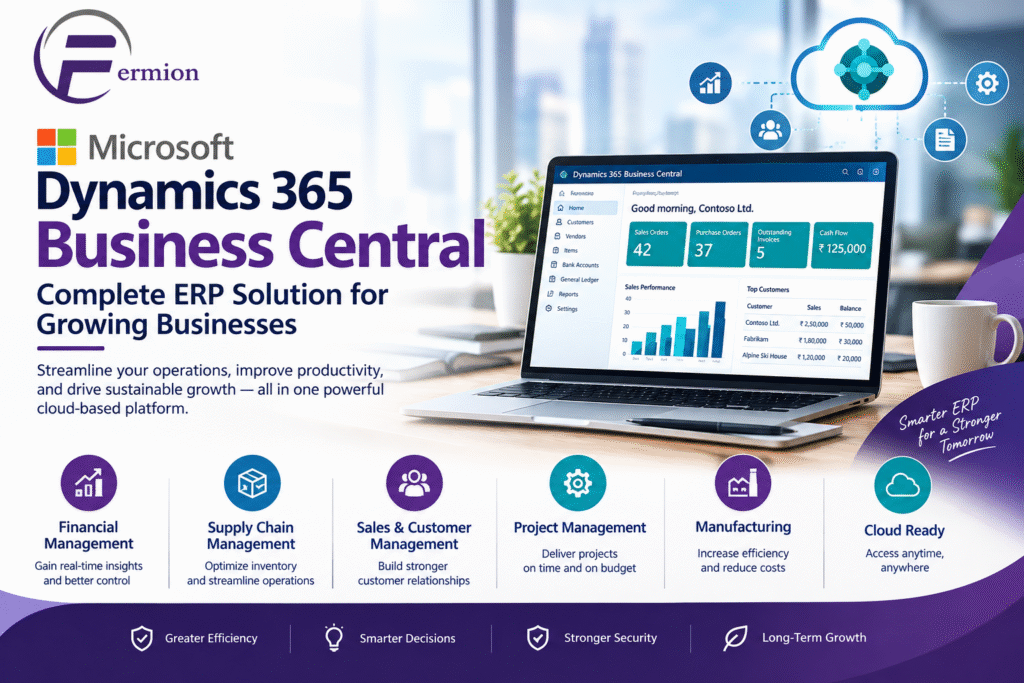
Microsoft Dynamics 365 Business Central: Complete ERP Solution for Growing Businesses

In today’s business environment companies need more than simple accounting software to run day‑to‑day tasks. They need a system that links finance, sales, buying, inventory, projects and customer relations and gives instant insight into how the business is doing. Microsoft Dynamics 365 Business Central is a cloud ERP solution that helps small and mid‑size companies smooth their work boost productivity and make smart choices.

Whether a company is searching for a Microsoft Business Central Partner planning a Microsoft Business Central Implementation or checking Business Central ERP for the time Microsoft Dynamics 365 Business Central offers a flexible base for running business processes from one solution.

What Is Microsoft Dynamics 365 Business Central?

Microsoft Dynamics 365 Business Central is an enterprise resource planning solution from Microsoft that assists companies in handling their business activities. Microsoft Dynamics 365 Business Central unites management, supply chain management, sales, purchasing, inventory, project management and service operations on a single connected platform.

Than keeping separate systems for each department companies can use Microsoft Dynamics 365 Business Central to consolidate data and automate repetitive tasks. Microsoft Dynamics 365 Business Central reduces entry enhances teamwork and gives owners clearer insight into key business metrics.

Because Microsoft Dynamics 365 Business Central works with the Microsoft ecosystem companies can also use tools like Microsoft Excel, Outlook, Teams and Power BI.

Key Features of Business Central ERP

1. Financial Management

Financial management is an important part of Microsoft Dynamics 365 Business Central. Companies can manage ledgers accounts payable accounts receivable, budgets, fixed assets, cash flow and financial reports.

Automated financial processes help accounting teams cut work and keep financial records more consistent.

2. Sales Management

Microsoft Dynamics 365 Business Central helps companies handle the sales cycle from customer contact to quotations, sales orders, shipments and invoicing.

Sales teams can use Microsoft Dynamics 365 Business Central to view customer and transaction data from one place, which helps them see customer activity and open orders clearly.

3. Purchasing and Procurement

The procurement function in Microsoft Dynamics 365 Business Central helps companies manage vendors, purchase orders, receipts, invoices and buying workflows.

Companies can keep vendor data and track buying activity while improving coordination among buying, inventory and finance groups.

4. Inventory and Supply Chain Management

Inventory management is vital for companies that handle goods. Microsoft Dynamics 365 Business Central gives tools to track inventory, warehouse work, stock moves, item availability and restocking.

Clear inventory visibility helps companies stop stock shortages or too much inventory.

5. Project Management

Companies that run projects can use Microsoft Dynamics 365 Business Central to manage project tasks, resources, costs, budgets and billing.

Microsoft Dynamics 365 Business Central lets companies track project performance and see if projects stay on budget and, on schedule.

6. Reporting and Business Intelligence

Microsoft Dynamics 365 Business Central offers reporting and analysis tools that let leaders see how the business is doing.

Companies can link Microsoft Dynamics 365 Business data to Power BI to build dashboards and visual reports on sales, finance, inventory and operations.

Why Choose Microsoft Business Central?

One big advantage of Microsoft Dynamics 365 Business Central is that it brings departments together on one platform. When finance, sales, buying and inventory data live in systems companies cut information gaps and boost teamwork.

Another benefit is scalability. As a company grows its ERP needs often get more complex. Microsoft Dynamics 365 Business Central can handle operations without making companies run many separate systems.

Microsoft Dynamics 365 Business Central also works in the cloud letting authorized users view business data from places and devices.

Role of a Microsoft Business Central Partner

Picking the right Microsoft Dynamics 365 Business Central Partner can be a part of an ERP project. A partner can help a company grasp its needs set up Microsoft Dynamics 365 Business Central move data, link apps, train staff and keep support going.

A seasoned partner usually starts by learning business processes. Than just installing software the team can spot challenges and decide how Microsoft Dynamics 365 Business Central can meet the company’s needs.

A Microsoft Dynamics 365 Business Central Partner can also help with custom changes and integrations when standard features do not fully satisfy a company’s needs.

Microsoft Business Central Implementation

Microsoft Dynamics 365 Business Central Implementation has stages. The exact path depends on a company’s size and complexity. A common implementation may have the following steps:

Requirement Analysis

The implementation team first studies the organization’s existing processes, such as finance, sales, purchasing, inventory and reporting requirements.

Solution Design

After gathering requirements the team develops a solution design that defines how Business Central will be configured and how different departments will use Business Central.

Configuration

Business Central is then configured according to the organization’s requirements. This may include setting up structures, users, permissions, workflows, inventory settings and other business processes.

Data Migration

Existing business data may need to be transferred into Business Central. Data migration should be carefully planned to maintain accuracy and avoid duplication.

Integration

Businesses may need to connect Business Central with applications such as e-commerce platforms, payment systems, CRM solutions, payroll systems or reporting tools.

Testing

Before going users should test important business processes. Testing helps identify configuration issues and gives employees an opportunity to become familiar with Business Central.

Training and Go-Live

Employees receive training on the processes to their roles. Once testing and preparation are complete the organization can move to the Business Central environment.

Ongoing Support

ERP implementation does not necessarily end at go-live. Businesses may require training, troubleshooting, optimization, updates and support as their requirements change.

Benefits of Business Central ERP for Businesses

Implementing Business Central ERP can provide operational benefits:

Centralized business information

Improved financial visibility

Better inventory management

Automated repetitive processes

Improved sales and purchasing workflows

Real-time access to business information

Better reporting and analytics

Integration with Microsoft applications

Cloud-based accessibility

Support for growing business operations

The actual benefits depend on the organization’s processes, implementation approach, user adoption, data quality and system configuration.

Who Can Use Microsoft Dynamics 365 Business Central?

Microsoft Dynamics 365 Business Central is designed for small and medium-sized businesses that need an integrated ERP system.

It can be relevant for organizations in industries such as manufacturing, distribution, professional services, retail, wholesale, construction and other sectors with requirements around operational management.

Businesses moving away from spreadsheets or disconnected applications may consider Business Central when they need a centralized approach to managing their operations.

How to Choose a Microsoft Business Central Partner

When selecting a Microsoft Business Central Partner businesses should evaluate factors such as implementation experience, industry knowledge, technical capabilities, integration expertise, training services, support processes and understanding of the organization’s requirements.

It is also useful to establish the project’s scope implementation timeline, data migration requirements, customization needs and support expectations before beginning the project.

A defined implementation plan can help stakeholders understand responsibilities and reduce unexpected issues during deployment.

FAQs About Microsoft Dynamics 365 Business Central

1. What is Microsoft Dynamics 365 Business Central?

Microsoft Dynamics 365 Business Central is an ERP solution that helps businesses manage finance, sales, purchasing, inventory, projects and other core business operations through a platform.

2. What is Business Central ERP used for?

Business Central ERP is used to manage and connect business processes such as accounting, purchasing, sales, inventory, supply chain operations, project management and reporting.

3. What does a Microsoft Business Central Partner do?

A Microsoft Business Central Partner can help with business requirements, solution design, configuration, data migration, integrations, testing, employee training, implementation and ongoing support.

4. How long does Microsoft Business Central Implementation take?

Implementation timelines vary depending on company size, business complexity, number of users data migration requirements, integrations, customizations and project scope. A simple implementation may take time than a complex multi‑department deployment.

5. Can Business Central integrate with Microsoft Excel?

Yes. Business Central works with Microsoft technologies. Provides capabilities that allow users to work with business data through Excel and other Microsoft services.

6. Is Microsoft Dynamics 365 Business Central cloud-based?

Yes. Business Central is available as a cloud‑based ERP solution giving authorized users access to business information through supported devices and environments.

7. Can Business Central be customized?

Business Central supports configuration and extensions to adapt the solution to business requirements. The appropriate approach depends on the organization’s needs. The capabilities available in the specific environment.

8. Is Business Central suitable, for medium-sized businesses?

Yes. Business Central is designed to help small and medium-sized organizations manage operational processes through an integrated ERP platform.

Conclusion

Microsoft Dynamics 365 Business Central provides businesses with a platform for managing finance, sales, purchasing, inventory, projects and other important operations. By connecting business processes and providing access, to information Business Central ERP can help organizations improve operational visibility and establish more structured workflows.

📞 Reach Out to Us
📱 +91 9711880864
📧  info@fermion.co.in
🌐 https://fermion.co.in/

Microsoft Business Central
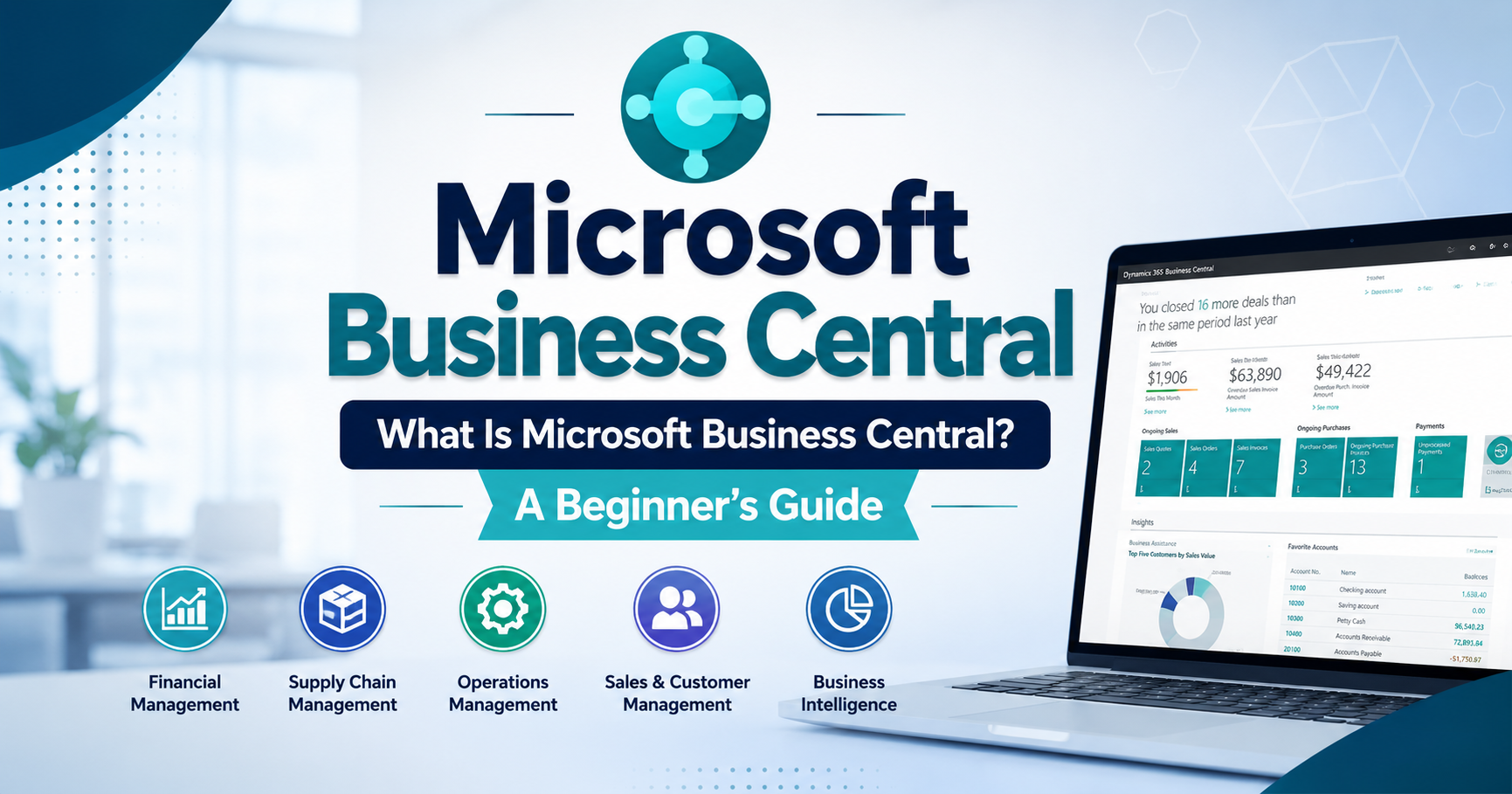
What Is Microsoft Business Central? A Beginner’s Guide

Introduction

Businesses today need efficient ways to manage finances, sales, inventory, operations, and customer relationships. Managing these areas with separate tools can create confusion, duplicate data, and unnecessary manual work. This is where Microsoft Business Central can help.

Microsoft Business Central is a cloud-based business management solution designed to help small and medium-sized businesses manage their core operations from one centralized platform. It connects different business processes and provides real-time information that can support better decision-making.

What Is Microsoft Business Central?

Microsoft Business Central is an enterprise resource planning (ERP) solution from Microsoft. It helps businesses manage financial management, sales, purchasing, inventory, supply chain operations, projects, and other important business activities.

Instead of using multiple disconnected systems, businesses can use Microsoft Business Central to bring essential information together. This can make everyday processes more organized, improve visibility, and reduce repetitive administrative work.

The platform can also be customized and expanded as a business grows, making it suitable for companies with changing operational needs.

Key Features of Microsoft Business Central

Financial Management

Financial management is one of the core capabilities of Microsoft Business Central. Businesses can manage general ledgers, accounts payable, accounts receivable, budgets, cash flow, and financial reporting.

By keeping financial information in one system, businesses can gain better visibility into their financial performance and make more informed decisions.

Sales and Customer Management

Microsoft Business Central helps businesses manage sales activities from quotes and orders to invoicing and customer information. Teams can track customer transactions and monitor sales performance more efficiently.

This centralized information can help sales teams understand customer activity and improve their overall workflow.

Inventory and Supply Chain Management

Managing inventory effectively is important for businesses that sell or distribute products. Microsoft Business Central provides tools for tracking inventory levels, purchasing, warehouse activities, and product movements.

Businesses can use this information to improve inventory visibility and reduce problems caused by insufficient or excessive stock.

Project Management

Businesses that handle projects can use Microsoft Business Central to manage project-related tasks, resources, budgets, costs, and billing. This helps organizations keep project information organized and monitor performance more effectively.

Benefits of Using Microsoft Business Central

Centralized Business Information

One major benefit of Microsoft Business Central is that it brings important business data together. Employees can access relevant information from a centralized system instead of switching between multiple applications.

This can improve collaboration and help teams work with more consistent information.

Improved Productivity

Automation can reduce repetitive manual tasks such as data entry, reporting, and routine financial processes. Employees can spend more time on important business activities instead of handling administrative work.

Better Decision-Making

Businesses need accurate information to make good decisions. Microsoft Business Central provides reporting and business insights that can help managers understand financial performance, sales activity, inventory, and other operational areas.

Scalability

As a business grows, its processes and data requirements can become more complex. Microsoft Business Central is designed to support growing organizations by providing features that can adapt to changing business requirements.

Who Can Use Microsoft Business Central?

Small and Medium-Sized Businesses

Microsoft Business Central is particularly useful for small and medium-sized businesses that need a comprehensive business management system without managing several disconnected applications.

It can support organizations across industries such as manufacturing, retail, professional services, distribution, and other business sectors.

Growing Organizations

Companies experiencing growth may find it useful when their existing spreadsheets or basic accounting systems are no longer sufficient. Microsoft Business Central can provide a more structured way to manage expanding operations.

How Does Microsoft Business Central Work With Microsoft Tools?

Microsoft 365 Integration

Microsoft Business Central can work with familiar Microsoft products and services. This can help employees connect business information with everyday productivity tools and create smoother workflows.

Integration with Microsoft technologies can also make it easier for organizations already using the Microsoft ecosystem to adopt a centralized business management solution.

Is Microsoft Business Central Easy to Use?

User-Friendly Business Management

Microsoft Business Central is designed with business users in mind. Its interface provides access to different business functions while allowing organizations to configure processes according to their requirements.

However, successful implementation usually requires proper planning, data preparation, configuration, training, and user adoption.

Conclusion

Microsoft Business Central is a powerful ERP and business management solution that helps organizations manage financial operations, sales, inventory, purchasing, projects, and other essential processes in one connected environment. By centralizing information and supporting automation, it can help businesses improve productivity, visibility, and decision-making.

For growing businesses looking to move beyond spreadsheets or disconnected systems, Microsoft Business Central can provide a flexible foundation for managing operations more efficiently. With the right implementation strategy and user training, businesses can use the platform to create more streamlined and organized workflows.

Business Central
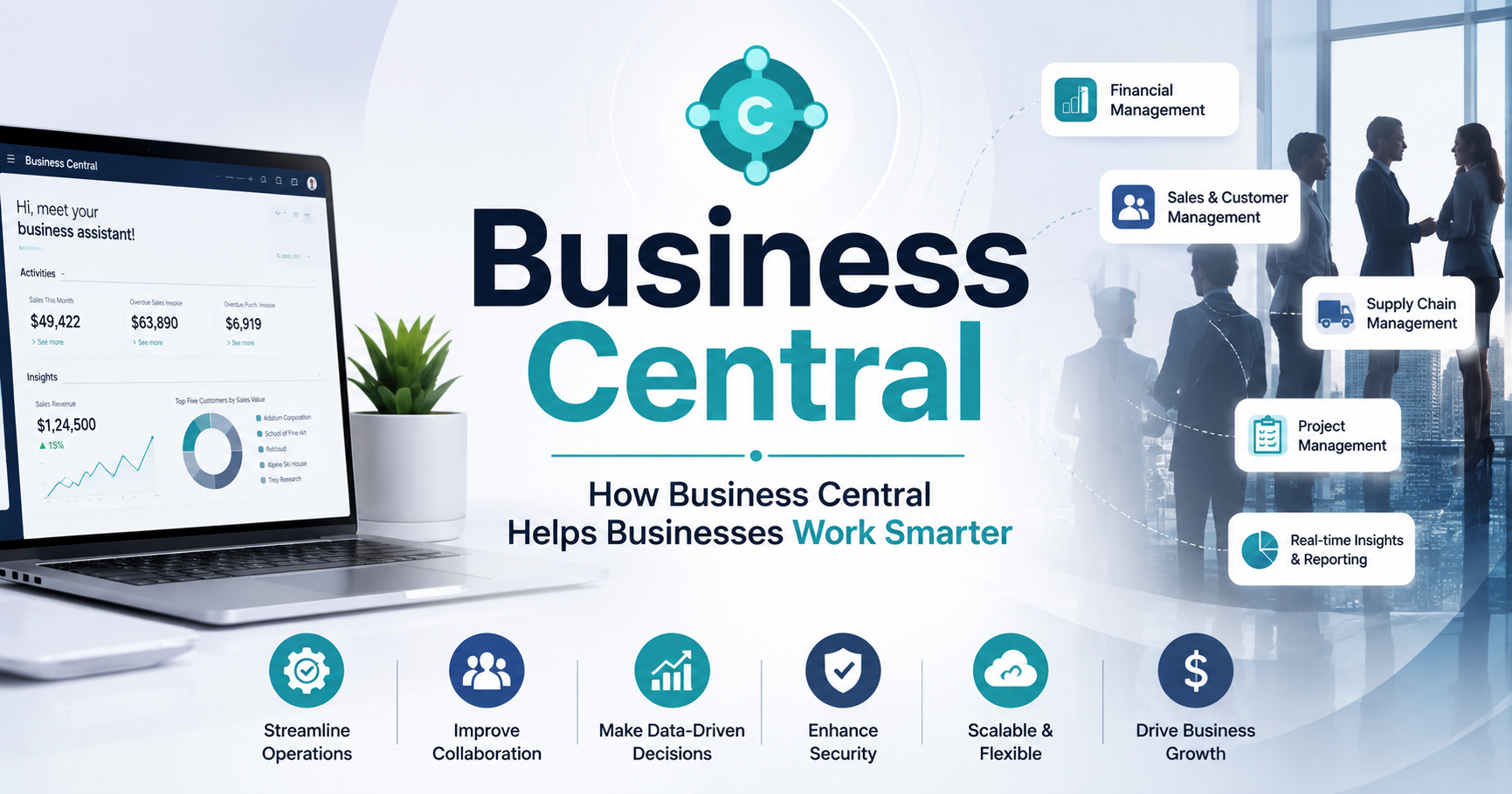
How Business Central Helps Businesses Work Smarter

In today’s competitive business environment, companies need more than basic accounting or inventory tools to stay efficient. They need a connected solution that helps teams manage finances, customers, operations, sales, and supply chains from one place. Business Central is designed to help small and mid-sized businesses simplify daily processes, improve decision-making, and work more efficiently.

As a Microsoft business management solution, Business Central brings essential business functions together in a single platform. By reducing manual work and providing real-time insights, it allows businesses to focus more on growth and less on administrative tasks.

What Is Business Central?

Business Central is a cloud-based enterprise resource planning (ERP) solution from Microsoft. It helps businesses manage core operations such as financial management, sales, purchasing, inventory, projects, and supply chain activities.

Instead of using separate systems for different departments, businesses can use Business Central to connect important processes. This creates a centralized flow of information and makes it easier for employees to access accurate data.

How Business Central Helps Businesses Work Smarter

1. Centralizes Business Data

One of the biggest advantages of Business Central is that it brings business information into one connected system. Finance, sales, purchasing, inventory, and other teams can work with the same data.

A centralized system reduces the need to maintain multiple spreadsheets and disconnected applications. Employees can find important information faster and collaborate more effectively.

2. Automates Repetitive Tasks

Manual data entry and repetitive administrative work can consume valuable time. Business Central helps automate many routine processes, including invoicing, financial reporting, purchasing workflows, and inventory management.

Automation can also reduce the risk of human errors. Employees can spend less time on repetitive tasks and more time on activities that contribute to business growth.

3. Improves Financial Management

Accurate financial information is essential for making smart business decisions. Business Central provides tools for managing budgets, accounts payable, accounts receivable, cash flow, and financial reporting.

With better visibility into financial performance, businesses can monitor expenses, understand profitability, and identify potential financial issues earlier.

4. Provides Real-Time Business Insights

Making decisions based on outdated information can create unnecessary risks. Business Central helps businesses access current operational and financial information.

Managers can use dashboards, reports, and analytics to understand business performance and identify trends. This supports faster and more informed decision-making.

5. Simplifies Inventory and Supply Chain Management

Inventory problems can lead to increased costs, delayed orders, or unhappy customers. Business Central helps businesses monitor inventory levels, manage purchasing, and track products throughout their operations.

Better inventory visibility can help companies maintain appropriate stock levels while avoiding unnecessary overstocking or shortages.

6. Supports Sales and Customer Management

Business Central also helps businesses manage sales processes and customer information. Teams can track orders, invoices, customer interactions, and sales performance from a connected system.

Having access to relevant customer and sales information helps employees respond faster and provide a more consistent customer experience.

7. Enables Business Growth

As a business grows, its processes and data requirements become more complex. Business Central provides a scalable platform that can support changing business needs.

Companies can also integrate Business Central with other Microsoft tools and third-party applications to create a more connected technology environment.

Why Choose Business Central?

Businesses choose Business Central because it combines essential ERP capabilities with automation, reporting, integration, and cloud accessibility. It can help organizations reduce operational complexity while giving employees the tools they need to work productively.

By connecting departments and improving access to information, Business Central can create a more efficient and collaborative workplace.

Frequently Asked Questions

What is Business Central used for?

Business Central is used to manage business operations such as finance, sales, purchasing, inventory, supply chain management, and projects through one integrated ERP platform.

Is Business Central suitable for small businesses?

Yes. Business Central is designed particularly for small and mid-sized businesses that need stronger financial and operational management without maintaining multiple disconnected systems.

How does Business Central improve productivity?

It improves productivity by connecting business data, automating repetitive processes, reducing manual entry, and giving employees faster access to important information.

Is Business Central cloud-based?

Yes. Business Central is available as a cloud-based solution, allowing authorized users to access business information and processes from supported devices and locations.

Can Business Central integrate with other Microsoft products?

Yes. Business Central can integrate with various Microsoft products and services, helping businesses create a connected digital workplace.

Conclusion

Working smarter means having the right information, processes, and tools available when they are needed. Business Central helps businesses achieve this by bringing financial and operational activities together, automating routine tasks, improving visibility, and supporting better decisions.

For growing businesses looking to simplify operations and build a more connected organization, Business Central can provide a strong foundation for improving efficiency and supporting long-term growth.

Microsoft Dynamics 365
Microsoft Dynamics 365 Business Central: A Complete Guide

Microsoft Dynamics 365 Business Central is a cloud-based business management solution designed for small and mid-sized businesses. It brings essential business processes such as finance, sales, purchasing, inventory, project management, and operations into one connected platform.

Instead of managing business information across multiple disconnected applications, companies can use Microsoft Dynamics 365 Business Central to centralize their data and automate everyday processes. Because it is part of the Microsoft Dynamics 365 ecosystem, it can also work with other Microsoft tools and services.

Key Features of Microsoft Dynamics 365 Business Central

Microsoft Dynamics 365 Business Central provides a wide range of features that help businesses manage operations efficiently.

1. Financial Management

Businesses can manage general accounting, accounts payable, accounts receivable, budgets, cash flow, and financial reporting. Real-time financial information can help management make better business decisions.

2. Sales and Customer Management

The platform helps businesses manage customer information, sales opportunities, quotes, orders, invoices, and customer interactions. This makes it easier for sales teams to track the complete sales process.

3. Inventory Management

Companies can monitor inventory levels, product movements, stock availability, and purchasing requirements. This can help reduce inventory errors and improve supply planning.

4. Purchasing Management

Business Central helps organizations manage vendors, purchase orders, receipts, invoices, and supplier-related processes. Automation can reduce repetitive administrative work.

5. Project Management

Businesses can track projects, resources, budgets, costs, and project-related activities. This is useful for organizations that need better visibility into project performance and profitability.

Benefits of Microsoft Dynamics 365 Business Central

One of the biggest advantages of Microsoft Dynamics 365 Business Central is that it connects different areas of a business through a single system.

Improved Productivity

Automation reduces repetitive tasks and allows employees to spend more time on important business activities.

Better Business Visibility

Centralized data provides businesses with a clearer view of financial performance, sales, inventory, and operations.

Scalability

As a company grows, its business management requirements also change. Business Central can support organizations as they expand their operations and processes.

Cloud-Based Access

Because Business Central is available as a cloud solution, authorized users can access business information from supported devices and locations without relying solely on an on-premises system.

Integration With Microsoft Tools

Businesses can connect Business Central with other Microsoft services and applications, helping employees work with familiar tools and business data.

How Does Microsoft Dynamics 365 Business Central Work?

Business Central connects different business functions through a centralized database and integrated workflows. For example, when a customer places an order, information can flow through sales, inventory, shipping, invoicing, and financial processes.

This connected approach reduces duplicate data entry and gives employees access to more consistent information. Companies can also configure workflows and use automation to streamline routine processes.

Who Should Use Microsoft Dynamics 365 Business Central?

Microsoft Dynamics 365 Business Central is particularly useful for small and medium-sized businesses that have outgrown basic accounting software or multiple disconnected business applications.

It can be suitable for industries such as manufacturing, distribution, professional services, retail, and other organizations that need integrated financial and operational management.

Why Choose Microsoft Dynamics 365 Business Central?

Choosing the right business management platform can help organizations improve efficiency and make informed decisions. Business Central combines financial management, sales, purchasing, inventory, projects, and operations in one solution.

Its integration capabilities, automation features, reporting tools, and scalability make it a practical option for businesses looking to modernize their business management processes.

Frequently Asked Questions

What is Microsoft Dynamics 365 Business Central used for?

Microsoft Dynamics 365 Business Central is used to manage core business processes, including finance, sales, purchasing, inventory, projects, and operations, from one integrated platform.

Is Microsoft Dynamics 365 Business Central cloud-based?

Yes. Business Central is available as a cloud-based business management solution, allowing organizations to access their business data and processes through supported devices and services.

Is Business Central suitable for small businesses?

Yes. Business Central is designed primarily for small and medium-sized businesses that need more advanced capabilities than basic accounting or disconnected business applications can provide.

What is the difference between Business Central and Dynamics 365?

Dynamics 365 is Microsoft’s broader family of business applications. Microsoft Dynamics 365 Business Central is the business management and ERP solution within that ecosystem, while other Dynamics 365 applications focus on areas such as sales, customer service, and other business functions.

Can Business Central integrate with Microsoft applications?

Yes. Business Central can integrate with various Microsoft services and applications, helping businesses connect their data and workflows across their technology environment.

Conclusion

Microsoft Dynamics 365 Business Central provides businesses with an integrated way to manage financial, sales, inventory, purchasing, project, and operational activities. By combining business processes, automation, reporting, and connected data in one platform, it can help organizations improve productivity and gain greater visibility into their operations.

For growing businesses looking to replace disconnected systems with a more centralized business management solution, Microsoft Dynamics 365 Business Central can be a strong option for modernizing everyday operations.

Microsoft Dynamics 365
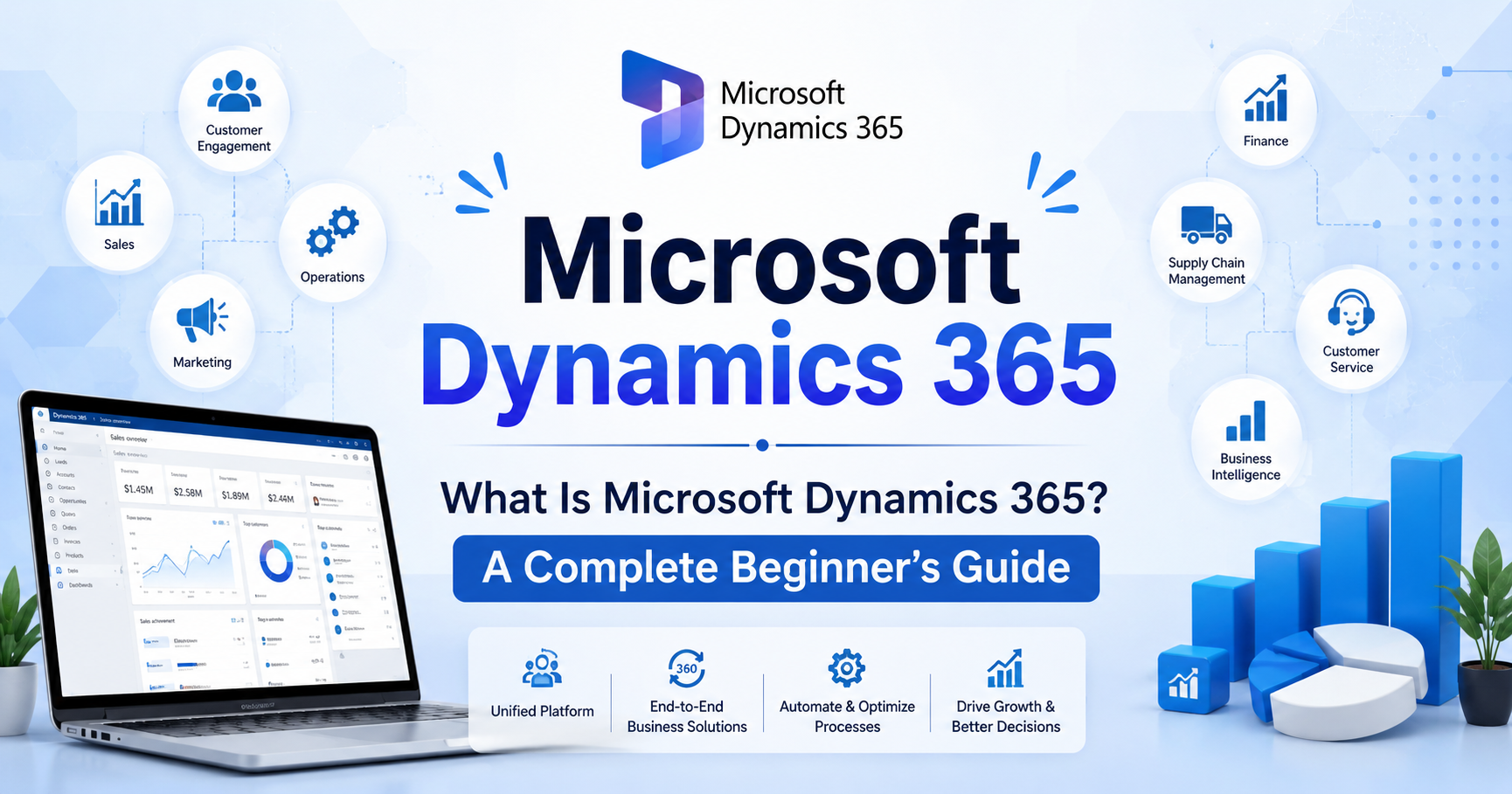
What Is Microsoft Dynamics 365? A Complete Beginner’s Guide

Microsoft Dynamics 365 is a cloud-based suite of business applications designed to help organizations manage customer relationships, sales, customer service, finance, operations, marketing, and other important business processes. By bringing CRM and ERP capabilities together, Dynamics 365 helps businesses connect data, automate repetitive tasks, improve productivity, and make better business decisions.

For beginners, understanding the different applications and features of Microsoft Dynamics 365 can seem complicated. This guide explains what Dynamics 365 is, how it works, its key benefits, major applications, and why businesses use it as a modern Microsoft CRM and business management platform.

What Is Microsoft Dynamics 365?

Microsoft Dynamics 365 is a collection of intelligent cloud-based business applications from Microsoft. It combines customer relationship management (CRM) and enterprise resource planning (ERP) capabilities in a connected platform.

Instead of using separate systems for sales, customer service, finance, and operations, businesses can use different Dynamics 365 applications that work together and share business information.

For example, a sales representative can use Dynamics 365 to manage leads and opportunities. Once a customer makes a purchase, relevant information can be connected with customer service, finance, and other business processes.

In simple terms, Microsoft Dynamics 365 helps businesses manage customer relationships and internal operations from an integrated technology ecosystem.

What Is Dynamics 365 CRM?

Dynamics 365 CRM refers to the customer relationship management applications within the Dynamics 365 ecosystem. CRM software helps businesses manage interactions with existing and potential customers.

A Dynamics 365 CRM solution can help teams:

  • Store and organize customer information
  • Track leads and prospects
  • Manage sales opportunities
  • Monitor customer interactions
  • Automate sales activities
  • Provide customer support
  • Analyze customer data
  • Improve customer engagement

For example, a company receiving hundreds of inquiries can use Dynamics 365 CRM to record customer information, assign leads to sales representatives, track conversations, and monitor the progress of each opportunity.

This makes it easier for sales and service teams to understand customers and provide more personalized experiences.

Is Microsoft Dynamics 365 a CRM or ERP?

One of the most common questions beginners ask is: Is Microsoft Dynamics 365 a CRM or an ERP?

The answer is both.

Microsoft offers Dynamics 365 applications for CRM-related functions such as sales and customer service, as well as ERP-related functions such as finance and supply chain management.

CRM applications primarily focus on customers, sales, marketing, and service. ERP applications focus more on financial management, supply chains, operations, inventory, and other internal business processes.

Because these applications can work together, organizations can create a connected business environment rather than relying on completely separate systems.

Key Microsoft Dynamics 365 Applications

The Microsoft Dynamics 365 ecosystem includes multiple applications designed for different business needs. The exact applications a company uses depend on its industry, size, processes, and goals.

1. Dynamics 365 Sales

Dynamics 365 Sales helps sales teams manage the complete sales process.

Businesses can use it to:

  • Manage leads and contacts
  • Track sales opportunities
  • Manage accounts
  • Monitor customer interactions
  • Automate sales activities
  • Analyze sales performance
  • Improve sales forecasting

For sales teams, this can provide a centralized view of prospects and customers.

2. Dynamics 365 Customer Service

Dynamics 365 Customer Service is designed to help organizations manage customer support and service operations.

It can help businesses organize customer cases, track service requests, provide relevant customer information to support agents, and improve the overall customer experience.

A centralized customer record can help support teams understand previous interactions before responding to a customer.

3. Dynamics 365 Customer Insights

Customer Insights helps organizations understand customer data and behavior.

Businesses can use customer information from different sources to develop a more complete view of their audiences. This can support personalized marketing, customer engagement, and data-driven decision-making.

4. Dynamics 365 Finance

Dynamics 365 Finance provides tools for managing financial processes.

It can support areas such as:

  • Financial planning
  • Accounting
  • Budgeting
  • Financial reporting
  • Cash flow management
  • Compliance processes

Organizations can use financial data to better understand business performance and support strategic decisions.

5. Dynamics 365 Supply Chain Management

Supply Chain Management is designed for organizations that need to manage supply chain and operational processes.

It can help businesses manage areas such as inventory, procurement, logistics, manufacturing, and supply chain planning.

This is particularly useful for organizations that need greater visibility into products, inventory, suppliers, and operational processes.

How Does Microsoft Dynamics 365 Work?

So, how does Microsoft Dynamics 365 work?

At a basic level, Dynamics 365 connects business applications, customer information, processes, and data within Microsoft’s cloud ecosystem.

A business can select the applications it needs instead of implementing every available application.

For example:

Sales team → Dynamics 365 Sales → Customer data → Customer service → Finance

When these processes are connected, teams can work with more consistent information and reduce the need to manually move data between disconnected systems.

Dynamics 365 can also integrate with other Microsoft technologies, including Power Platform and Microsoft 365, depending on the organization’s requirements and configuration.

Key Benefits of Microsoft Dynamics 365

Businesses choose Microsoft Dynamics 365 for several reasons. Some of the major benefits include:

Centralized Business Data

Dynamics 365 can bring important customer and business information into connected applications. This makes it easier for employees to find and use relevant information.

Improved Productivity

Automation can reduce repetitive manual tasks. Sales and service teams can spend more time on customers instead of performing unnecessary administrative work.

Better Customer Relationships

With a centralized customer view, employees can understand customer interactions, preferences, activities, and service history more effectively.

Data-Driven Decisions

Organizations can use reports, dashboards, analytics, and business data to identify trends and make more informed decisions.

Scalability

Businesses can select applications based on their needs and expand their technology environment as their requirements change.

Microsoft Ecosystem Integration

For organizations already using Microsoft products, Dynamics 365 can work within a broader Microsoft technology ecosystem, helping connect business applications and data.

Microsoft Dynamics 365 vs Microsoft CRM

Another common question is the difference between Microsoft CRM and Dynamics 365.

Microsoft CRM is often used as a general term to describe Microsoft’s customer relationship management software. Today, Microsoft’s CRM capabilities are primarily delivered through Dynamics 365 applications such as Dynamics 365 Sales and Dynamics 365 Customer Service.

Therefore, when someone searches for Microsoft CRM, they may actually be looking for Dynamics 365 CRM.

The important distinction is that Dynamics 365 is broader than CRM alone. It includes both CRM-focused and ERP-focused business applications.

Who Should Use Dynamics 365?

Microsoft Dynamics 365 can be useful for businesses of different sizes and industries.

It may be particularly valuable for organizations that need to:

  • Manage a large customer database
  • Improve sales processes
  • Automate business workflows
  • Connect departments
  • Improve customer service
  • Manage financial operations
  • Track supply chain activities
  • Analyze business performance

Industries that may use Dynamics 365 include retail, manufacturing, professional services, healthcare, financial services, education, and many other sectors.

However, the right solution depends on business requirements, budget, existing technology, and implementation needs.

What Are the Main Features of Dynamics 365 CRM?

The exact features available depend on the Dynamics 365 application and configuration, but common CRM capabilities include:

  • Contact and account management
  • Lead management
  • Opportunity management
  • Sales pipeline tracking
  • Customer service management
  • Case management
  • Workflow automation
  • Reporting and analytics
  • Customer data management
  • Integration capabilities

These features help organizations create more structured and measurable customer-facing processes.

How Can Businesses Get Started With Microsoft Dynamics 365?

Businesses considering Dynamics 365 should begin by identifying their specific business requirements.

A simple implementation process can include:

Step 1: Identify business challenges

Determine which processes need improvement, such as sales management, customer service, finance, or supply chain operations.

Step 2: Select the appropriate application

Choose the Dynamics 365 application or combination of applications that matches those requirements.

Step 3: Plan data and integrations

Determine what existing customer and business data needs to be migrated and which systems need to connect with Dynamics 365.

Step 4: Configure the platform

Configure workflows, fields, dashboards, permissions, and other features based on business processes.

Step 5: Train employees

Employees should understand how the system works and how it supports their daily responsibilities.

Step 6: Monitor performance

After implementation, organizations should regularly evaluate adoption, data quality, productivity, and business results.

Frequently Asked Questions About Microsoft Dynamics 365

What is Microsoft Dynamics 365 used for?

Microsoft Dynamics 365 is used to manage customer relationships and business operations. Depending on the applications selected, businesses can use it for sales, customer service, finance, supply chain management, customer insights, and other processes.

Is Dynamics 365 a CRM?

Yes. Dynamics 365 includes CRM applications such as Dynamics 365 Sales and Dynamics 365 Customer Service. However, Dynamics 365 is broader than a traditional CRM because it also includes ERP-focused applications.

Is Microsoft Dynamics 365 cloud-based?

Yes. Microsoft offers Dynamics 365 as cloud-based business applications. Cloud deployment can provide access to business applications and data without requiring organizations to maintain all of the underlying infrastructure themselves.

What is Dynamics 365 CRM?

Dynamics 365 CRM refers to the customer relationship management capabilities within the Dynamics 365 ecosystem. It helps businesses manage customers, leads, opportunities, sales activities, and service interactions.

Is Microsoft CRM the same as Dynamics 365?

Microsoft CRM is commonly used as a general term for Microsoft’s CRM solutions. Today, many of Microsoft’s CRM capabilities are provided through Dynamics 365 applications.

Is Dynamics 365 suitable for small businesses?

Dynamics 365 can be used by businesses of different sizes. Whether it is suitable for a small business depends on its requirements, budget, processes, number of users, and desired functionality.

Final Thoughts

Microsoft Dynamics 365 is more than traditional CRM software. It is a connected suite of business applications that can help organizations manage customer relationships, sales, service, finance, operations, and other business processes.

For businesses looking for a modern Microsoft CRM solution, Dynamics 365 CRM provides tools for managing customer information, sales activities, service interactions, and business insights. Organizations can also combine CRM applications with ERP capabilities to create a more connected technology environment.

The best approach is to first identify your business requirements and then select the Dynamics 365 applications that provide the functionality your organization actually needs.

Business transformation starts with Power Platform!

Business transformation starts with Power Platform!
Unleash real-time insights, automate tasks, and drive smarter decisions with Microsoft Power Apps, Power BI, and Power Automate.
🌟 Seamlessly connect your data across Dynamics 365, Azure, and third-party services
🚀 Build custom apps without coding
📊 Visualize KPIs and performance instantly
🤝 Empower teams with automation and collaboration

Whether you’re in finance, sales, operations, or IT, Power Platform enables rapid innovation, efficiency, and growth for any organization.

Ready to unlock new possibilities? Let’s discuss how Power Tech can accelerate your success!

#PowerPlatform #PowerBI #PowerApps #PowerAutomate #BusinessIntelligence #DigitalTransformation #Microsoft365 #CloudSolutions #NoCode #Analytics #DataDriven #ERPIntegration #Automation #SmartDecisions #FutureOfWork #TechTrends #EnterpriseIT #Innovation #GrowthMindset 🚀💡

​