
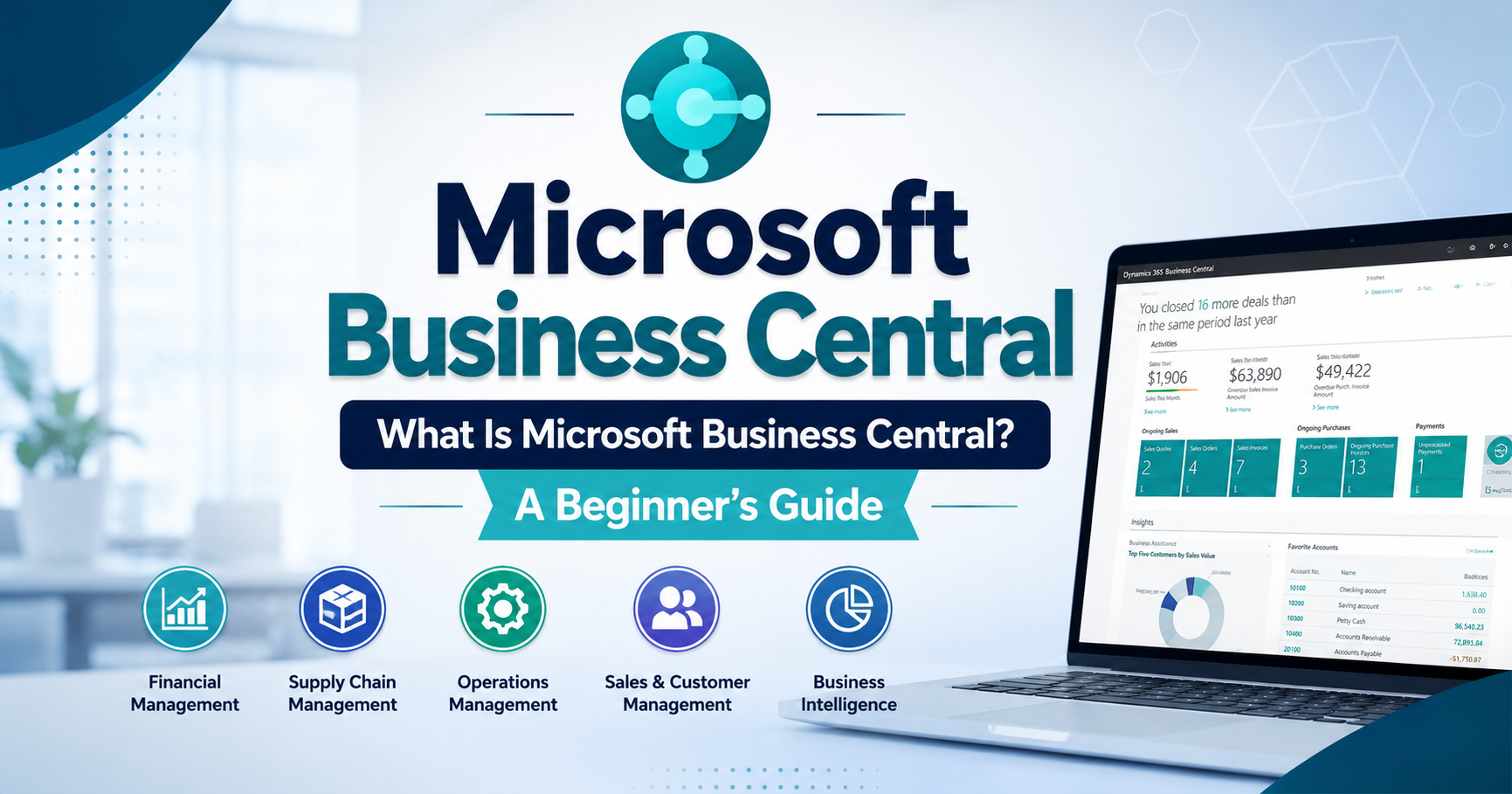
What Is Microsoft Business Central? A Beginner’s Guide
Introduction
Businesses today need efficient ways to manage finances, sales, inventory, operations, and customer relationships. Managing these areas with separate tools can create confusion, duplicate data, and unnecessary manual work. This is where Microsoft Business Central can help.
Microsoft Business Central is a cloud-based business management solution designed to help small and medium-sized businesses manage their core operations from one centralized platform. It connects different business processes and provides real-time information that can support better decision-making.
What Is Microsoft Business Central?
Microsoft Business Central is an enterprise resource planning (ERP) solution from Microsoft. It helps businesses manage financial management, sales, purchasing, inventory, supply chain operations, projects, and other important business activities.
Instead of using multiple disconnected systems, businesses can use Microsoft Business Central to bring essential information together. This can make everyday processes more organized, improve visibility, and reduce repetitive administrative work.
The platform can also be customized and expanded as a business grows, making it suitable for companies with changing operational needs.
Key Features of Microsoft Business Central
Financial Management
Financial management is one of the core capabilities of Microsoft Business Central. Businesses can manage general ledgers, accounts payable, accounts receivable, budgets, cash flow, and financial reporting.
By keeping financial information in one system, businesses can gain better visibility into their financial performance and make more informed decisions.
Sales and Customer Management
Microsoft Business Central helps businesses manage sales activities from quotes and orders to invoicing and customer information. Teams can track customer transactions and monitor sales performance more efficiently.
This centralized information can help sales teams understand customer activity and improve their overall workflow.
Inventory and Supply Chain Management
Managing inventory effectively is important for businesses that sell or distribute products. Microsoft Business Central provides tools for tracking inventory levels, purchasing, warehouse activities, and product movements.
Businesses can use this information to improve inventory visibility and reduce problems caused by insufficient or excessive stock.
Project Management
Businesses that handle projects can use Microsoft Business Central to manage project-related tasks, resources, budgets, costs, and billing. This helps organizations keep project information organized and monitor performance more effectively.
Benefits of Using Microsoft Business Central
Centralized Business Information
One major benefit of Microsoft Business Central is that it brings important business data together. Employees can access relevant information from a centralized system instead of switching between multiple applications.
This can improve collaboration and help teams work with more consistent information.
Improved Productivity
Automation can reduce repetitive manual tasks such as data entry, reporting, and routine financial processes. Employees can spend more time on important business activities instead of handling administrative work.
Better Decision-Making
Businesses need accurate information to make good decisions. Microsoft Business Central provides reporting and business insights that can help managers understand financial performance, sales activity, inventory, and other operational areas.
Scalability
As a business grows, its processes and data requirements can become more complex. Microsoft Business Central is designed to support growing organizations by providing features that can adapt to changing business requirements.
Who Can Use Microsoft Business Central?
Small and Medium-Sized Businesses
Microsoft Business Central is particularly useful for small and medium-sized businesses that need a comprehensive business management system without managing several disconnected applications.
It can support organizations across industries such as manufacturing, retail, professional services, distribution, and other business sectors.
Growing Organizations
Companies experiencing growth may find it useful when their existing spreadsheets or basic accounting systems are no longer sufficient. Microsoft Business Central can provide a more structured way to manage expanding operations.
How Does Microsoft Business Central Work With Microsoft Tools?
Microsoft 365 Integration
Microsoft Business Central can work with familiar Microsoft products and services. This can help employees connect business information with everyday productivity tools and create smoother workflows.
Integration with Microsoft technologies can also make it easier for organizations already using the Microsoft ecosystem to adopt a centralized business management solution.
Is Microsoft Business Central Easy to Use?
User-Friendly Business Management
Microsoft Business Central is designed with business users in mind. Its interface provides access to different business functions while allowing organizations to configure processes according to their requirements.
However, successful implementation usually requires proper planning, data preparation, configuration, training, and user adoption.
Conclusion
Microsoft Business Central is a powerful ERP and business management solution that helps organizations manage financial operations, sales, inventory, purchasing, projects, and other essential processes in one connected environment. By centralizing information and supporting automation, it can help businesses improve productivity, visibility, and decision-making.
For growing businesses looking to move beyond spreadsheets or disconnected systems, Microsoft Business Central can provide a flexible foundation for managing operations more efficiently. With the right implementation strategy and user training, businesses can use the platform to create more streamlined and organized workflows.