
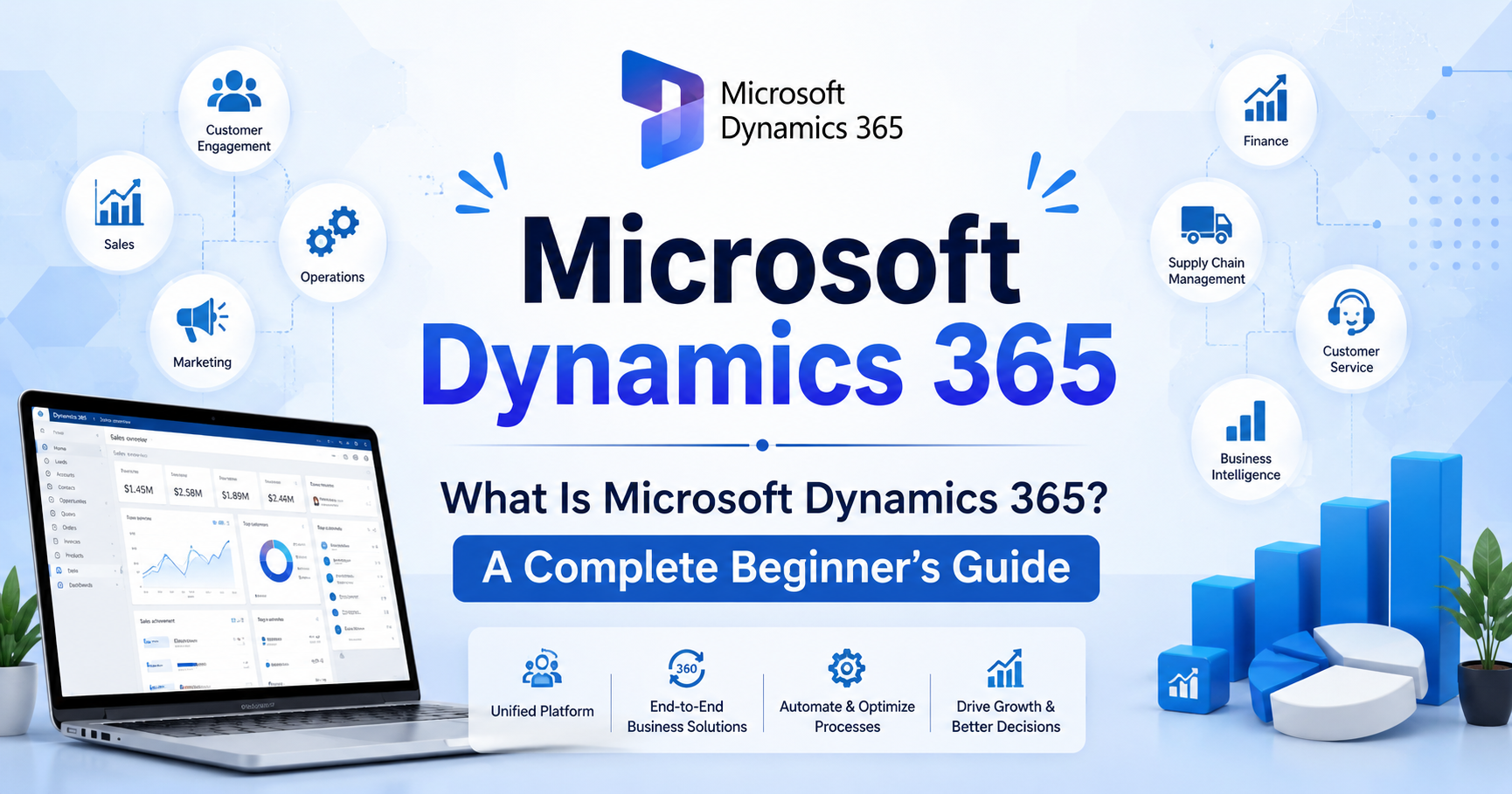
What Is Microsoft Dynamics 365? A Complete Beginner’s Guide
Microsoft Dynamics 365 is a cloud-based suite of business applications designed to help organizations manage customer relationships, sales, customer service, finance, operations, marketing, and other important business processes. By bringing CRM and ERP capabilities together, Dynamics 365 helps businesses connect data, automate repetitive tasks, improve productivity, and make better business decisions.
For beginners, understanding the different applications and features of Microsoft Dynamics 365 can seem complicated. This guide explains what Dynamics 365 is, how it works, its key benefits, major applications, and why businesses use it as a modern Microsoft CRM and business management platform.
What Is Microsoft Dynamics 365?
Microsoft Dynamics 365 is a collection of intelligent cloud-based business applications from Microsoft. It combines customer relationship management (CRM) and enterprise resource planning (ERP) capabilities in a connected platform.
Instead of using separate systems for sales, customer service, finance, and operations, businesses can use different Dynamics 365 applications that work together and share business information.
For example, a sales representative can use Dynamics 365 to manage leads and opportunities. Once a customer makes a purchase, relevant information can be connected with customer service, finance, and other business processes.
In simple terms, Microsoft Dynamics 365 helps businesses manage customer relationships and internal operations from an integrated technology ecosystem.
What Is Dynamics 365 CRM?
Dynamics 365 CRM refers to the customer relationship management applications within the Dynamics 365 ecosystem. CRM software helps businesses manage interactions with existing and potential customers.
A Dynamics 365 CRM solution can help teams:
- Store and organize customer information
- Track leads and prospects
- Manage sales opportunities
- Monitor customer interactions
- Automate sales activities
- Provide customer support
- Analyze customer data
- Improve customer engagement
For example, a company receiving hundreds of inquiries can use Dynamics 365 CRM to record customer information, assign leads to sales representatives, track conversations, and monitor the progress of each opportunity.
This makes it easier for sales and service teams to understand customers and provide more personalized experiences.
Is Microsoft Dynamics 365 a CRM or ERP?
One of the most common questions beginners ask is: Is Microsoft Dynamics 365 a CRM or an ERP?
The answer is both.
Microsoft offers Dynamics 365 applications for CRM-related functions such as sales and customer service, as well as ERP-related functions such as finance and supply chain management.
CRM applications primarily focus on customers, sales, marketing, and service. ERP applications focus more on financial management, supply chains, operations, inventory, and other internal business processes.
Because these applications can work together, organizations can create a connected business environment rather than relying on completely separate systems.
Key Microsoft Dynamics 365 Applications
The Microsoft Dynamics 365 ecosystem includes multiple applications designed for different business needs. The exact applications a company uses depend on its industry, size, processes, and goals.
1. Dynamics 365 Sales
Dynamics 365 Sales helps sales teams manage the complete sales process.
Businesses can use it to:
- Manage leads and contacts
- Track sales opportunities
- Manage accounts
- Monitor customer interactions
- Automate sales activities
- Analyze sales performance
- Improve sales forecasting
For sales teams, this can provide a centralized view of prospects and customers.
2. Dynamics 365 Customer Service
Dynamics 365 Customer Service is designed to help organizations manage customer support and service operations.
It can help businesses organize customer cases, track service requests, provide relevant customer information to support agents, and improve the overall customer experience.
A centralized customer record can help support teams understand previous interactions before responding to a customer.
3. Dynamics 365 Customer Insights
Customer Insights helps organizations understand customer data and behavior.
Businesses can use customer information from different sources to develop a more complete view of their audiences. This can support personalized marketing, customer engagement, and data-driven decision-making.
4. Dynamics 365 Finance
Dynamics 365 Finance provides tools for managing financial processes.
It can support areas such as:
- Financial planning
- Accounting
- Budgeting
- Financial reporting
- Cash flow management
- Compliance processes
Organizations can use financial data to better understand business performance and support strategic decisions.
5. Dynamics 365 Supply Chain Management
Supply Chain Management is designed for organizations that need to manage supply chain and operational processes.
It can help businesses manage areas such as inventory, procurement, logistics, manufacturing, and supply chain planning.
This is particularly useful for organizations that need greater visibility into products, inventory, suppliers, and operational processes.
How Does Microsoft Dynamics 365 Work?
So, how does Microsoft Dynamics 365 work?
At a basic level, Dynamics 365 connects business applications, customer information, processes, and data within Microsoft’s cloud ecosystem.
A business can select the applications it needs instead of implementing every available application.
For example:
Sales team → Dynamics 365 Sales → Customer data → Customer service → Finance
When these processes are connected, teams can work with more consistent information and reduce the need to manually move data between disconnected systems.
Dynamics 365 can also integrate with other Microsoft technologies, including Power Platform and Microsoft 365, depending on the organization’s requirements and configuration.
Key Benefits of Microsoft Dynamics 365
Businesses choose Microsoft Dynamics 365 for several reasons. Some of the major benefits include:
Centralized Business Data
Dynamics 365 can bring important customer and business information into connected applications. This makes it easier for employees to find and use relevant information.
Improved Productivity
Automation can reduce repetitive manual tasks. Sales and service teams can spend more time on customers instead of performing unnecessary administrative work.
Better Customer Relationships
With a centralized customer view, employees can understand customer interactions, preferences, activities, and service history more effectively.
Data-Driven Decisions
Organizations can use reports, dashboards, analytics, and business data to identify trends and make more informed decisions.
Scalability
Businesses can select applications based on their needs and expand their technology environment as their requirements change.
Microsoft Ecosystem Integration
For organizations already using Microsoft products, Dynamics 365 can work within a broader Microsoft technology ecosystem, helping connect business applications and data.
Microsoft Dynamics 365 vs Microsoft CRM
Another common question is the difference between Microsoft CRM and Dynamics 365.
Microsoft CRM is often used as a general term to describe Microsoft’s customer relationship management software. Today, Microsoft’s CRM capabilities are primarily delivered through Dynamics 365 applications such as Dynamics 365 Sales and Dynamics 365 Customer Service.
Therefore, when someone searches for Microsoft CRM, they may actually be looking for Dynamics 365 CRM.
The important distinction is that Dynamics 365 is broader than CRM alone. It includes both CRM-focused and ERP-focused business applications.
Who Should Use Dynamics 365?
Microsoft Dynamics 365 can be useful for businesses of different sizes and industries.
It may be particularly valuable for organizations that need to:
- Manage a large customer database
- Improve sales processes
- Automate business workflows
- Connect departments
- Improve customer service
- Manage financial operations
- Track supply chain activities
- Analyze business performance
Industries that may use Dynamics 365 include retail, manufacturing, professional services, healthcare, financial services, education, and many other sectors.
However, the right solution depends on business requirements, budget, existing technology, and implementation needs.
What Are the Main Features of Dynamics 365 CRM?
The exact features available depend on the Dynamics 365 application and configuration, but common CRM capabilities include:
- Contact and account management
- Lead management
- Opportunity management
- Sales pipeline tracking
- Customer service management
- Case management
- Workflow automation
- Reporting and analytics
- Customer data management
- Integration capabilities
These features help organizations create more structured and measurable customer-facing processes.
How Can Businesses Get Started With Microsoft Dynamics 365?
Businesses considering Dynamics 365 should begin by identifying their specific business requirements.
A simple implementation process can include:
Step 1: Identify business challenges
Determine which processes need improvement, such as sales management, customer service, finance, or supply chain operations.
Step 2: Select the appropriate application
Choose the Dynamics 365 application or combination of applications that matches those requirements.
Step 3: Plan data and integrations
Determine what existing customer and business data needs to be migrated and which systems need to connect with Dynamics 365.
Step 4: Configure the platform
Configure workflows, fields, dashboards, permissions, and other features based on business processes.
Step 5: Train employees
Employees should understand how the system works and how it supports their daily responsibilities.
Step 6: Monitor performance
After implementation, organizations should regularly evaluate adoption, data quality, productivity, and business results.
Frequently Asked Questions About Microsoft Dynamics 365
What is Microsoft Dynamics 365 used for?
Microsoft Dynamics 365 is used to manage customer relationships and business operations. Depending on the applications selected, businesses can use it for sales, customer service, finance, supply chain management, customer insights, and other processes.
Is Dynamics 365 a CRM?
Yes. Dynamics 365 includes CRM applications such as Dynamics 365 Sales and Dynamics 365 Customer Service. However, Dynamics 365 is broader than a traditional CRM because it also includes ERP-focused applications.
Is Microsoft Dynamics 365 cloud-based?
Yes. Microsoft offers Dynamics 365 as cloud-based business applications. Cloud deployment can provide access to business applications and data without requiring organizations to maintain all of the underlying infrastructure themselves.
What is Dynamics 365 CRM?
Dynamics 365 CRM refers to the customer relationship management capabilities within the Dynamics 365 ecosystem. It helps businesses manage customers, leads, opportunities, sales activities, and service interactions.
Is Microsoft CRM the same as Dynamics 365?
Microsoft CRM is commonly used as a general term for Microsoft’s CRM solutions. Today, many of Microsoft’s CRM capabilities are provided through Dynamics 365 applications.
Is Dynamics 365 suitable for small businesses?
Dynamics 365 can be used by businesses of different sizes. Whether it is suitable for a small business depends on its requirements, budget, processes, number of users, and desired functionality.
Final Thoughts
Microsoft Dynamics 365 is more than traditional CRM software. It is a connected suite of business applications that can help organizations manage customer relationships, sales, service, finance, operations, and other business processes.
For businesses looking for a modern Microsoft CRM solution, Dynamics 365 CRM provides tools for managing customer information, sales activities, service interactions, and business insights. Organizations can also combine CRM applications with ERP capabilities to create a more connected technology environment.
The best approach is to first identify your business requirements and then select the Dynamics 365 applications that provide the functionality your organization actually needs.